A TB Test is recorded using the Batch Manager
1.Go to the Herd Manager main menu and click on Batch Manager
2.Define the list of animals to be tested by typing in a list of animal IDs, applying a filter or selecting from the list box
3.Click the Record Event button and then the Batch TB Test button
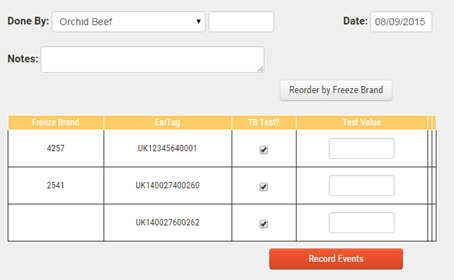
4.Enter the name of the member of farm staff over-seeing the test, the date and any notes
5.Record the test value for each animal
6.Click Record Test to save the data
Viewing TB Test Reports
To view a report for a previously saved TB Test:
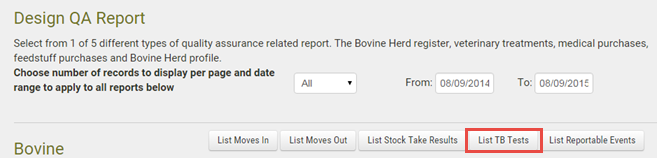
1.Go to the Reports main menu, then click on Design Report under the QA Reporting sub menu
2.Set the required date range From and To
3.Click List TB Tests
4.The report will be displayed on screen with options to download to spreadsheet or PDF formats