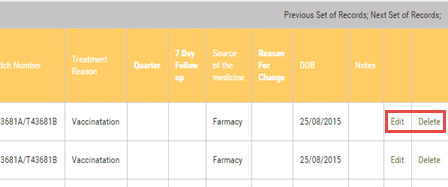
Vet treatment records may be amended or deleted using the following method:
1.Go to the Reports main menu and click on Vet Treatments under the QA Reporting sub menu
2.The grid will show vet treatments for the previous 12 months. Scroll downwards to locate the required record
3.Scroll horizontally to the right and click on Edit to amend the Quantity of medicine used or click Delete to remove the record from your FarmWizard account